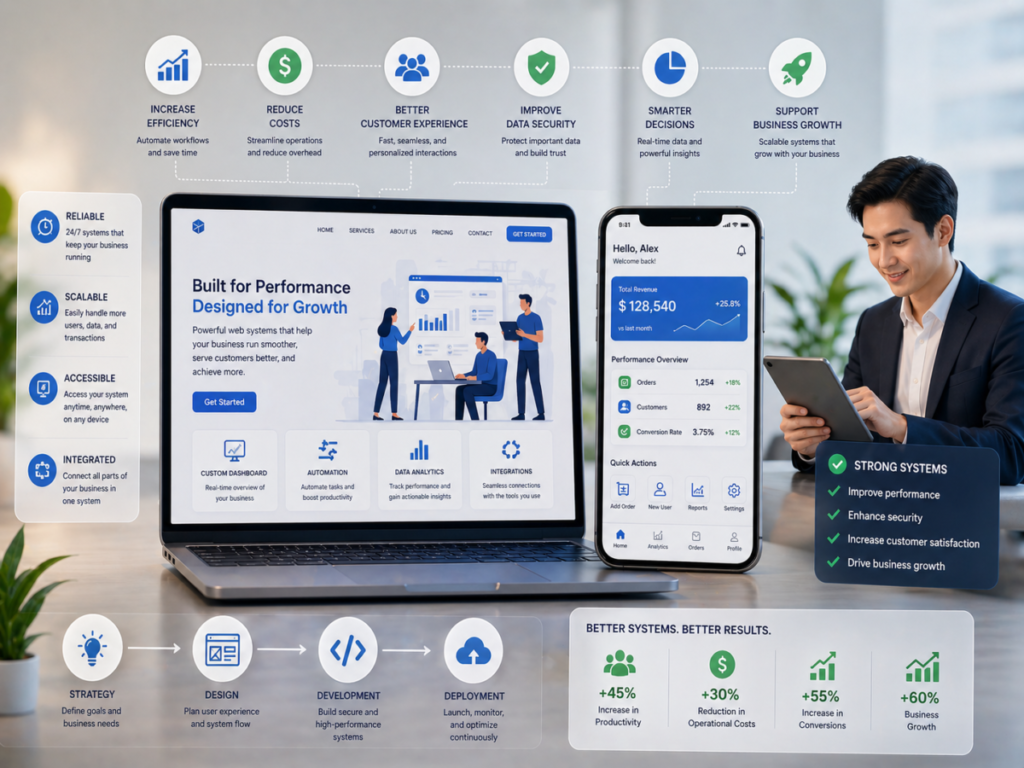

In many cases, businesses struggle with declining traffic and low conversions without fully understanding why. From what I have observed while reviewing various websites, the problem is often not obvious. It is not always about broken features or major technical errors. Instead, the real issue lies in subtle user experience problems that quietly affect how visitors interact with a website.
These are what I refer to as silent UX issues. They do not immediately stand out, but they influence user behavior in significant ways. Over time, they can reduce engagement, increase bounce rates, and ultimately impact sales.
What Are Silent UX Issues
Silent UX issues are small but critical problems that disrupt the user experience without being immediately noticeable. Unlike major design flaws, these issues often go unnoticed by business owners.
From my perspective, they are dangerous precisely because they are subtle. Users may not be able to explain what feels wrong, but they will still choose to leave.
Some common characteristics of silent UX issues include:
- They create friction in the user journey
- They reduce clarity and increase confusion
- They affect user trust without obvious signs
- They gradually decrease performance over time
Understanding these issues is the first step toward improving website performance.
Slow Load Time and Invisible Friction
One of the most common silent UX issues is slow loading speed. While a delay of a few seconds may seem minor, it can have a major impact on user behavior.
From what I have seen, users expect websites to load almost instantly. When a page takes too long, frustration begins to build. Even if users stay, their experience is already affected.
Invisible friction also plays a role here. This includes:
- Delayed animations
- Heavy images that slow performance
- Unoptimized scripts running in the background
These elements may not be obvious, but they contribute to a less smooth experience.
Confusing Navigation Structure
Navigation is one of the most important aspects of user experience. When users cannot find what they are looking for quickly, they are likely to leave.
From my observations, many websites try to include too many menu options. This creates confusion and makes it harder for users to make decisions.
Effective navigation should:
- Be simple and easy to understand
- Highlight key sections clearly
- Guide users toward important actions
When navigation is clear, users feel more in control of their journey.
Weak Visual Hierarchy
Visual hierarchy determines how users process information on a page. Without it, content can feel overwhelming and difficult to follow.
High performing websites use design elements to guide attention. This includes:
- Clear headlines that stand out
- Proper spacing between sections
- Strategic use of contrast and size
From what I have seen, weak hierarchy often leads to users missing important information. This reduces engagement and lowers the chances of conversion.
Poor Mobile Experience
Mobile traffic continues to dominate, yet many websites still fail to deliver a smooth mobile experience. This is one of the most overlooked UX issues.
Common mobile problems include:
- Text that is too small to read
- Buttons that are difficult to tap
- Layouts that do not adapt properly
From my perspective, a poor mobile experience can quickly drive users away. If a website is not easy to use on a phone, users will not hesitate to leave.
Lack of Clear Call to Action
Users need guidance. Without clear calls to action, they may not know what to do next.
This is something I frequently notice. Websites often provide information but fail to direct users toward a specific action.
Effective calls to action should:
- Be visible and easy to understand
- Use action oriented language
- Be placed strategically throughout the page
When users know what to do, they are more likely to take action.
Trust Gaps and Credibility Issues
Trust is a critical factor in online interactions. Even small gaps in credibility can prevent users from converting.
Silent trust issues may include:
- Outdated design that feels unprofessional
- Lack of testimonials or reviews
- Missing contact information
- Inconsistent branding
From what I have observed, users are highly sensitive to trust signals. If something feels off, they are likely to leave without hesitation.
Content Overload and Decision Fatigue
Too much information can be just as harmful as too little. When users are overwhelmed, they struggle to make decisions.
This is known as decision fatigue. It occurs when users are presented with too many options or too much content at once.
To avoid this, websites should:
- Break content into smaller sections
- Highlight key points clearly
- Reduce unnecessary information
Simplifying content makes it easier for users to focus and take action.
Read also : Hidden Website Mistakes That Hurt Traffic and Conversions
How Silent UX Issues Impact Traffic and Sales
The impact of silent UX issues is often gradual but significant. Over time, they can lead to:
- Higher bounce rates
- Lower engagement levels
- Reduced conversion rates
- Decreased customer trust
From what I have seen, businesses often try to solve these problems by increasing marketing spend. However, if the user experience is flawed, additional traffic will not lead to better results.
Fixing UX issues can often deliver better outcomes than increasing budget.
How to Identify and Fix These Issues
Identifying silent UX issues requires a combination of observation and data analysis. Businesses need to look beyond surface level metrics.
Some effective approaches include:
- Analyzing user behavior through analytics tools
- Reviewing session recordings and heatmaps
- Conducting usability testing
- Gathering user feedback
Once issues are identified, the next step is optimization. This involves making small but meaningful improvements that enhance the overall experience.
From my perspective, continuous improvement is key. UX is not a one time task, but an ongoing process.
Conclusion
Silent UX issues are often overlooked, yet they play a major role in website performance. These small problems can quietly reduce traffic, engagement, and sales without obvious warning signs.
From what I have observed, businesses that address these issues tend to see significant improvements. By focusing on clarity, usability, and user behavior, they create experiences that encourage visitors to stay and take action.
Ultimately, growth is not just about attracting more users. It is about creating an experience that makes them want to stay, explore, and convert.


